
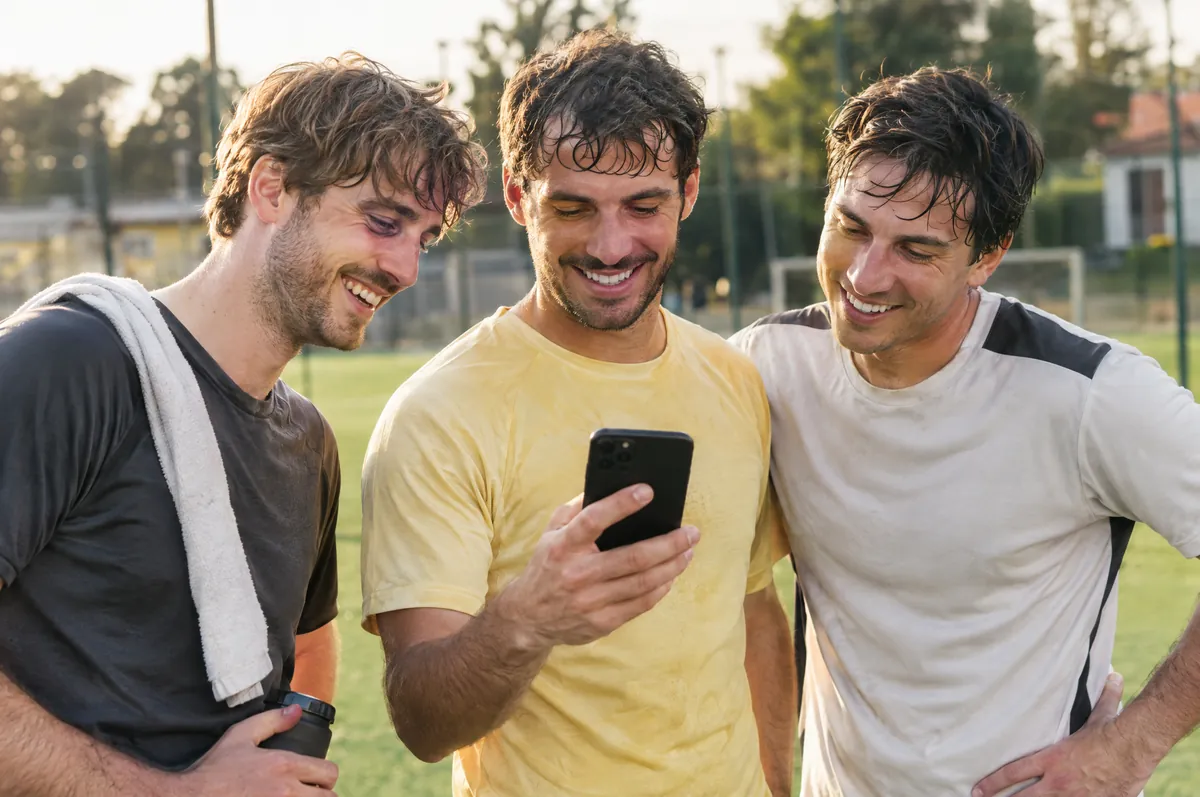
Your match deserves to be seen again.
After the match use the code the venue gives you: replay the game, pick your moments, download the clips and share them.
Cut a goal. Save a rally. Post in seconds.
In the player, scrub through the match, choose where the moment starts and ends and download it to your phone. A goal in the 17th minute, the shot that closes the set, the celebration: take exactly the part you want and share it.
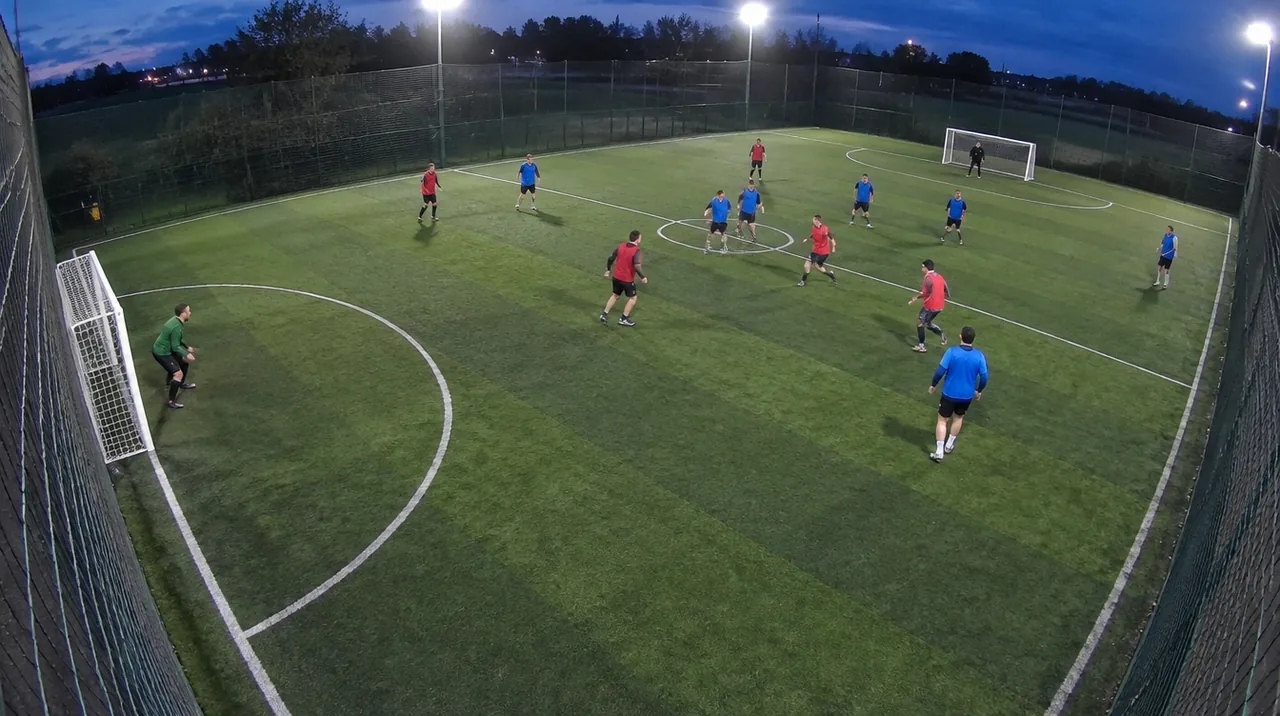
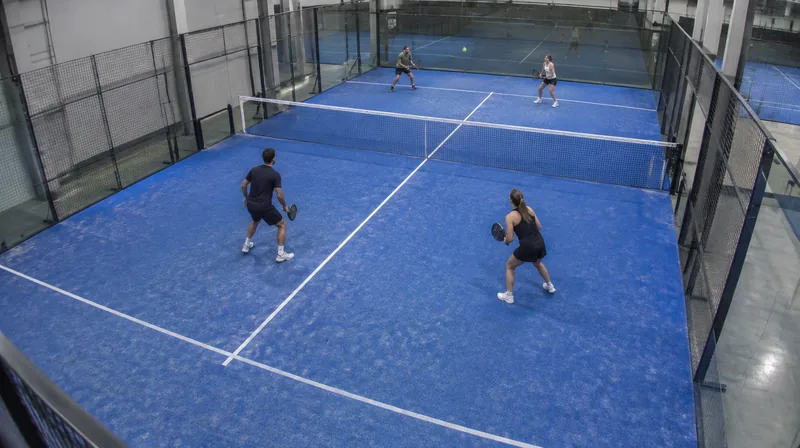
Illustrative example: player screens with generated sample images, not real footage.
Open recording
With the venue’s code, from phone or computer.
Pick the moment
Scrub the timeline and choose the moment yourself.
Download
The clip is saved to your phone.
Share anywhere
Share it from your own channels.
AI analysis of your match arrives in 2027
Beyond rewatching your match, you will soon be able to see how you played: AI will analyse the video and show you the numbers and the best moments.
Distance covered
How many kilometres you ran during the match.
Passes
Your passes and how much you contributed to the game.
Goals
Every goal detected and ready to rewatch.
Highlights
The best moments of the match, already picked for you.
The features will roll out during 2027. Meanwhile, rewatch your match and cut your clips.
The answers you’re looking for.
How do I buy the video?
You buy it directly at the venue: you pay at reception, together with the court if you like. Replash does not handle online payments.
Is the price per person or per match?
The price is per match, meaning per court and time slot, not per person. The venue staff will tell you the amount: ask at reception.
How do teammates get access?
With the same code: it belongs to the match, not to a person. Share it only with people you want to see the video.
When is the video ready?
Usually shortly after the match ends, but processing time varies. If you open it too early you’ll see it is still being prepared: try again later.
Where do I get the access code?
At the venue’s reception, after payment: staff unlock the match and hand you the 4-digit code. Without unlocking there is no code.
How long does it stay available?
7 days from the match date; after that the video and code stop working. Unlocking the video does not restart the count. Files you have already downloaded stay on your device.
Can I download the whole match or only clips?
Both: the full match (a large file, better over Wi-Fi) and the clips you cut.
How do I make a clip?
In the player pick the moment on the timeline: the clip takes exactly the part you select. Then download it to your phone and share it wherever you like.
The video won’t open or the code doesn’t work?
Check the 4 digits and ask reception to confirm the match was unlocked. If the problem remains, message us on WhatsApp with the venue, court, date and time.
Need help with your match?
Message us on WhatsApp with the venue, court, date and time of the match.
Ask your facility about Replash.
Replash is available at partner facilities. If your venue doesn't offer it yet, encourage them to get in touch.